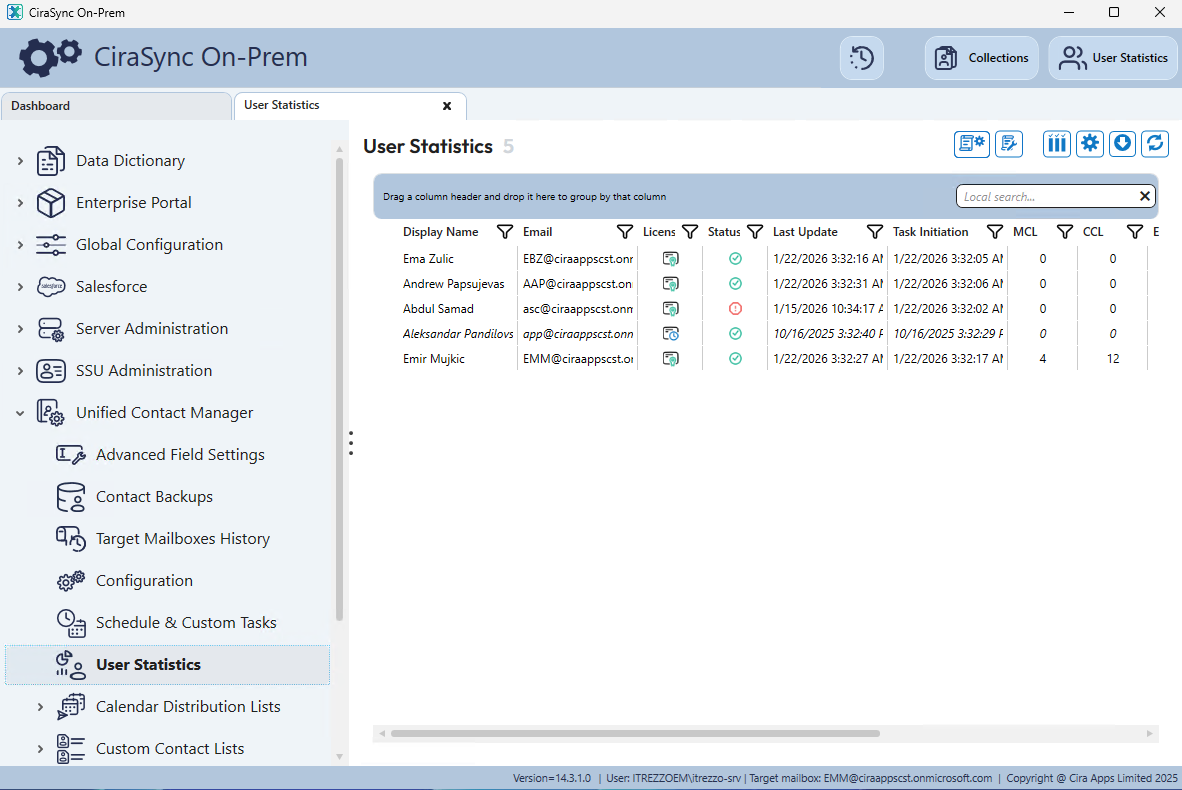
CiraSync On-Prem uses MongoDB as its backend database to store configuration data, logs, and synchronization records. A recently identified security vulnerability affecting MongoDB version 6.0.5 requires customers to update to the supported version 8.2.3.
If you are running CiraSync On-Premise version 14.3.1 or earlier, your installation should be updated to ensure continued security. A future CiraSync On-Prem software release will include the latest MongoDB version. Release timing is currently unknown.
This document provides step-by-step guidance for updating the MongoDB server included with CiraSync On-Prem. If you prefer assistance, our Support Team will be happy to walk you through the upgrade process. You can Schedule Support Call at your convenience, and we’ll complete the update together.
1. Stop CiraSync On-Prem Services
- CiraSync On-Prem (ECO Platform)
- CiraSync On-Prem (Unified Contact Manager)

2. Download New MongoDB Executable from Itrezzo Portal
- https://support1.itrezzo.com/updates/server/Utility/mongo/server/mongod823.exe
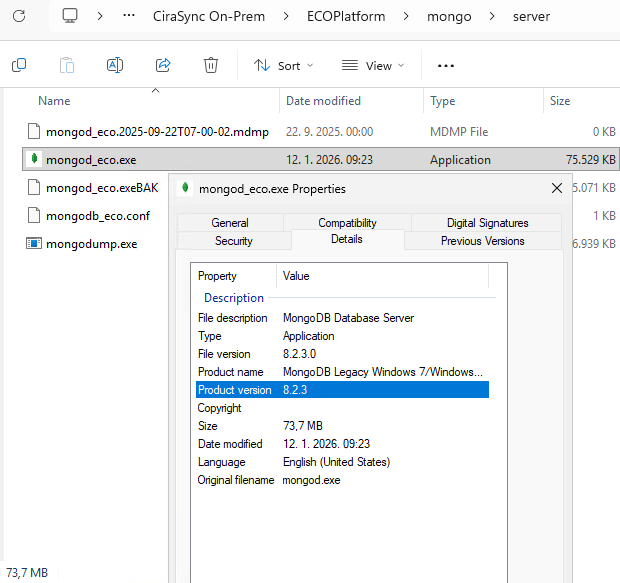
- Rename downloaded file from “mongod823.exe” to “mongod_eco.exe”

- Copy and overwrite executable file at following location: C:\Program Files (x86)\CiraSync On-Prem\ECOPlatform\mongo\server
3. Rename MongoBDv6 Folder and start CSOP Services
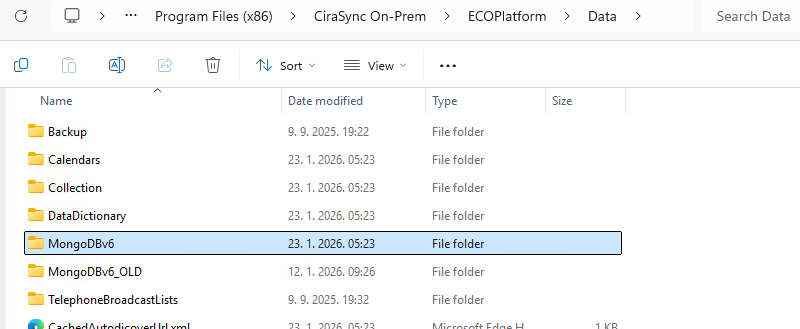
- Rename folder: “C:\Program Files (x86)\CiraSync On-Prem\ECOPlatform\Data\MongoDBv6″ into “MongoBDv6-OLD”
- Create new/empty folder: “MongoDBv6”
- Start the CiraSync On-Prem (ECO Platform) service

4. Perform Full Cache Update
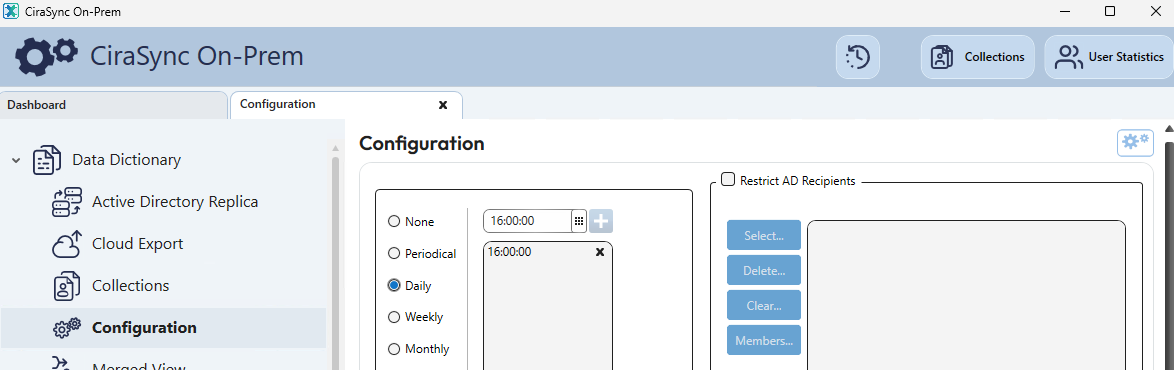
- Under “Data Dictionary” select “Configuration” and simply click on “Gear&Gear” icon at the upper right corner.
- Allow some time for the cache update to complete the process. Then check one test user to ensure the synchronization was successful.
5. Test CiraSync On-Prem Service and Perform a Health Check